
1995
01File Edit View Insert Format Tools Help
Page 1 of 1 — 1995
A toolbar, a ruler, a page.
Word processors barely changed for thirty years. Writing has. Draften combines focused writing, structural thinking, intelligent assistance, and listening in one calm workspace.
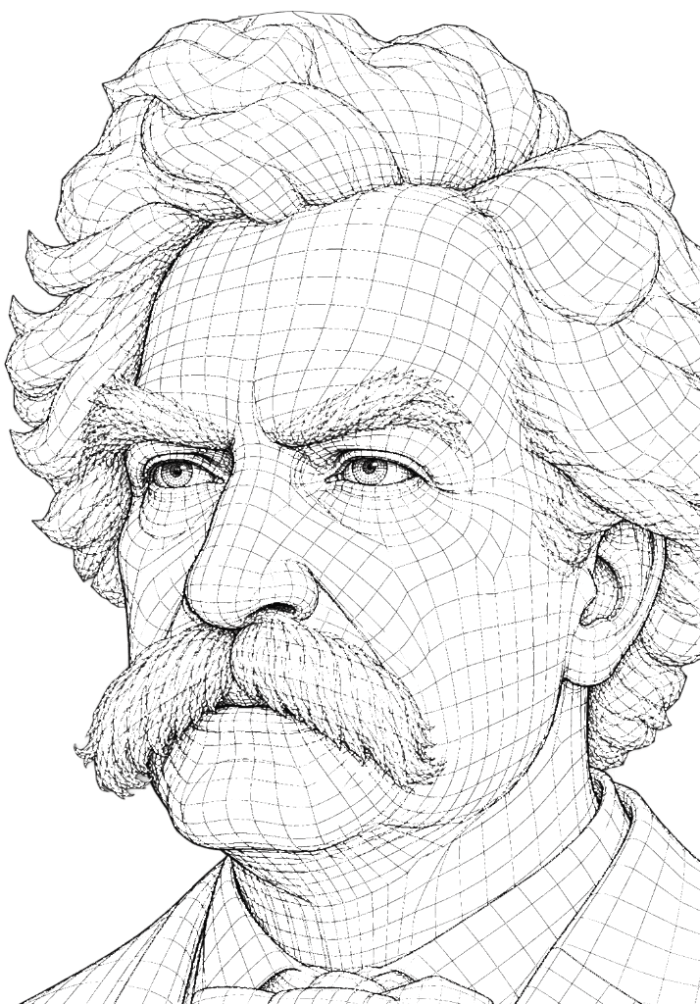
On Writing Quietly
For thirty years the page on screen looked roughly the same. A toolbar at the top. A blinking cursor. A long quiet field waiting to be filled.
The instruments of writing kept their costume, even as the work of writing changed underneath them. Drafts moved between tabs and chats. Ideas were shaped by conversations with machines that could not see the document.
Draften begins from a simpler premise. The document is the room. Everything else — assistance, structure, voice — should arrive only when invited.
Toolbars changed. Icons changed. Cloud sync arrived. The writing experience stayed almost identical — while AI completely changed how people think, draft, revise, critique, structure, and review text.
A toolbar, a ruler, a page.
More icons. Same page.
Cloud sync. Same page.
Same page. Different world.
AI can identify unclear ideas, hidden assumptions, and tangled sentences.
AI can understand arguments, transitions, and the flow of a document.
AI can preserve and reinforce your particular way of writing.
AI can act as a careful editor — patient, specific, and honest.
AI can explain every change it made, and why.
Writers can hear a paragraph the way a reader will.
AI can help you think — before you commit a word.
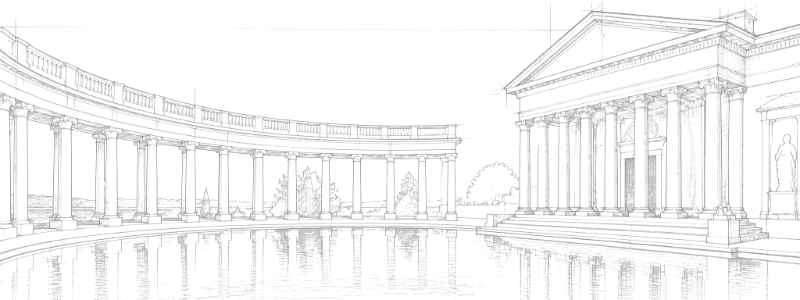
The document is the surface. AI is a quiet collaborator that arrives only when called.
"Your draft. Your voice. Your pace."
The Drafting Room
For thirty years the page on screen looked roughly the same. A toolbar at the top. A blinking cursor. A long quiet field waiting to be filled.
The instruments of writing kept their costume, even as the work of writing changed underneath them. Drafts moved between tabs and chats. Ideas were shaped by conversations with machines that could not see the document.
Draften begins from a simpler premise. The document is the room. Everything else — assistance, structure, voice — should arrive only when invited.
Draften is built around a simple principle: the writer stays in control. No automatic rewrites. No interruptions. No background suggestions. No noise.
Hold option, click the paragraph, ask for clearer phrasing.
Every action one keystroke away. Nothing hides on a toolbar.
Hear how a sentence actually lands before you ship it.
A side-by-side diff for every AI edit. Accept, revert, consolidate.
Available everywhere. Visible nowhere.
Most editors see paragraphs. Draften sees a document. Because great writing is not a collection of sentences — it is a structure of ideas.
Voice Memory only applies when you ask AI to help. It never silently rewrites your work. The goal is not to replace your voice. The goal is to protect it.
The best writers do not only read their work.
They listen to it. Cadence reveals what the eye forgives — the missing comma of breath, the repeated word, the sentence that runs a beat too long.
Sometimes the fastest way to improve a draft is simply to hear it.
Most writers edit visually. The best writers also edit by ear. Listening reveals what the eye forgives.
Writing is visual. Great writing is audible.
Draften uses the voice selected in macOS. Download a higher-quality voice once, then select it as your system voice.
Every AI modification is visible. Every change can be reviewed. Every edit can be reverted. Changes apply to your draft for speed — and the original always stays available.
In the present day, it is quite often the case that writers find themselves utilizing a great variety of digital tools in order to assist with the production of their written work.
Today, writers reach for many tools to help with their work.
Every account gets the full writing workspace and secure cloud sync. Pro removes the daily cap on AI assists.
Everything you need to begin.
For uninterrupted AI-assisted writing.
Your documents are synced and backed up automatically in our secure DB. AI only sees the text you explicitly send, and is powered by OpenAI.
Documents are automatically stored in our secure DB.
Nothing is read unless you send it.
Writing assistance is available when you invite it.
Your synced documents are there when you sign in.
AI only processes text you send.
Your drafts leave anytime, intact.
Draften was built around one belief: the writer stays in control.
AI helps with clarity, critique, structure, listening, and review — never silently, never in your place.
Not another AI chatbot. Not another productivity dashboard. A modern writing environment for a world where intelligence is available on demand.
No. It's a word processor. AI is a quiet assistant you invoke — never a chat window.
Your documents are synced and backed up automatically in our secure DB. You can export at any time.
The full editor, automatic cloud sync and backup, 10 AI assists per rolling 24 hours, plus unlimited synonym lookups, live selection checks, and word definitions.
Pro includes everything in Free and removes the daily cap, giving you unlimited AI assists. Billing and checkout are coming soon.
No. AI only acts when you ask it to.
Draften is a web-first writing environment, designed for modern browsers.
Word processors were built for typing. Draften was built for thinking, listening, and refining.